
How Much Software (SW) Test Automation Is Enough?
How much software test automation is enough? Is tools alone enough to automate the whole process with out human efforts in quality Assurance Process
How Much Software (SW) Test Automation Is Enough?
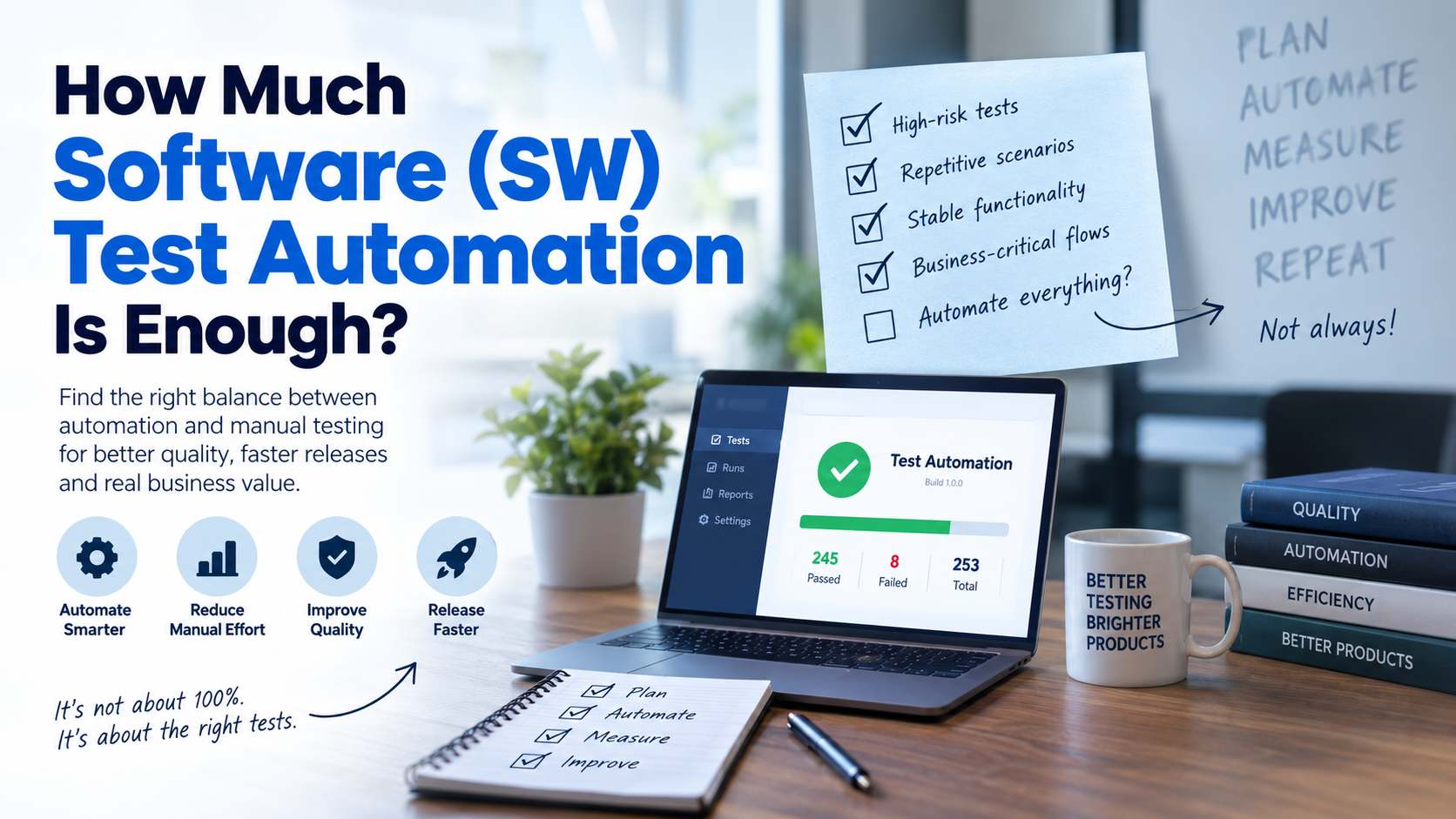 There is no fixed percentage that determines how much Software (SW) Test Automation is enough for every application. The right level depends on business risk, test frequency, application stability, release cycles, regression requirements, and the effort required to maintain automated tests.
In practice, teams should prioritize high-risk, repetitive, stable, and time-consuming test scenarios while keeping exploratory and judgment-based testing manual.
The goal of test automation is not to automate every possible test. It is to create reliable coverage that helps teams identify defects earlier, shorten regression cycles, improve release confidence, and reduce repetitive testing effort.
A better question than “Should we automate 70%, 80%, or 100% of our tests?” is:
Which tests provide the most value when automated?
This guide explains how to determine the right level of automation, what to automate first, which tests may be better suited to manual testing, and how to measure test automation ROI.
Key Takeaways
- There is no universal automation percentage that works for every application because the right level depends on risk, frequency, stability, release cycles, and maintenance effort.
- A test is generally a strong automation candidate when it is high-risk, frequently repeated, stable, and time-consuming to execute manually.
- 100% automation is not necessarily the right goal, because exploratory, usability, and judgment-based testing can still require human testers.
- An illustrative regression suite of 300 tests at 2 minutes per test requires 10 hours for one manual execution cycle.
- Running that illustrative 300-test suite four times per month would require approximately 480 manual execution hours per year, before accounting for development and maintenance costs.
What Is Automated Software Testing?
Automated software testing uses tools, frameworks, and scripts to execute predefined test cases with limited manual intervention. The automation performs required actions, compares actual results with expected outcomes, and reports failures for further investigation.
For web applications, browser automation tools such as Selenium WebDriver can automate browser interactions and help teams validate application behavior through realistic user workflows. Selenium WebDriver Overview
How Much Test Automation Is Enough?
The right amount of Software (SW) Test Automation is the level that provides sufficient coverage of important risks while remaining reliable, maintainable, and cost-effective.
Before automating a test, teams should evaluate:

- Business risk: What happens if this functionality fails?
- Test frequency: How often does the test need to be executed?
- Application stability: Is the functionality stable enough to automate?
- Manual effort: How much time does manual execution require?
- Regression value: Does the test need to run repeatedly after changes?
- Maintenance effort: How often will the automated test need updates?
Software testing standards such as ISO/IEC/IEEE 29119 provide a structured foundation for software testing processes and activities. ISO/IEC/IEEE 29119-1:2022
For example, a payment workflow is generally a stronger automation candidate than a rarely used administrative feature. Payment failures can directly affect revenue and customer experience, while an infrequently used administrative feature may have lower execution frequency and business impact.
A Practical Rule for Test Automation
A test is generally a strong automation candidate when it is:
High-risk + frequently repeated + stable + time-consuming to execute manually.
This is not a strict formula. Teams should evaluate the overall value and cost of automating each scenario.
Should You Aim for 100% Test Automation?
No. 100% test automation is not necessarily the right goal.
Trying to automate every scenario can increase maintenance requirements, create duplicate coverage, and result in unreliable or flaky tests.
Selenium's test automation guidance also emphasizes considering whether a scenario can be tested through a lighter-weight approach before relying on browser-level automation. Browser automation can require additional infrastructure and execution effort, so teams should select the appropriate testing approach for each scenario. Selenium — Overview of Test Automation
Some testing activities also depend heavily on human observation, reasoning, and experience.
Good Candidates for Automation
- Critical business workflows
- Repetitive regression tests
- API and integration tests
- Data-driven scenarios
- Stable functionality
- Frequently executed validation checks
- Time-consuming manual tests
- High-risk functionality
Tests Better Suited to Manual Testing
- Exploratory testing
- Usability testing
- Rapidly changing functionality
- Subjective visual evaluation
- One-time scenarios
- Tests requiring human judgment
- Scenarios where automation maintenance exceeds the expected value
The objective is to create the right combination of automated and manual testing, rather than maximizing the number of automated cases.
What Tests Should You Automate First?
Teams can prioritize test cases using factors such as business risk, execution frequency, stability, manual effort, and regression value.
| Test Scenario | Business Risk | Automation Priority |
|---|---|---|
| Payment processing | Very High | Very High |
| Login/authentication | High | High |
| Checkout | Very High | Very High |
| API validation | High | High |
| Stable regression tests | High | High |
| Frequently changing UI | Medium/Low | Lower |
| Exploratory testing | Variable | Usually Manual |
| One-time testing | Low | Usually Manual |
This approach is more meaningful than setting an arbitrary target such as 80% or 90% automation.
For example, automating 50 highly valuable regression scenarios may provide more business value than automating 500 low-risk tests that rarely run.
Where Should Test Automation Be Applied?
Not every test needs UI automation. Teams should select the appropriate testing level based on the application architecture, risk, speed requirements, and type of validation required.
Unit Testing
Unit tests validate individual functions, methods, or components. They are generally designed to provide fast feedback and can help developers identify issues early.
API and Integration Testing
API and integration tests validate interactions between services, APIs, databases, and other components. They can often provide faster and more focused feedback than complete end-to-end UI tests.
UI and End-to-End Testing
UI and end-to-end automation validates complete user journeys through the application's interface. It is valuable for critical workflows such as login, checkout, and payment processing, but these tests can require more maintenance.
Selenium's test-practice documentation provides guidance around choosing appropriate testing approaches and avoiding unnecessary reliance on higher-level browser tests. Selenium — Test Practices
There is no universal ratio between unit, API, integration, and UI automation. The right balance depends on the application's architecture, technology stack, risk profile, and testing objectives.
How Do You Know If Your Test Automation Is Enough?
The number of automated test cases alone does not tell you whether your automation strategy is effective.
Teams should monitor several metrics:
Critical Test Coverage
Measure how many important business workflows are protected by reliable automated tests.
Regression Coverage
Track how much of the frequently repeated regression suite can be executed automatically.
Execution Time
Measure how long the automated suite takes to provide useful feedback.
Test Stability
Track flaky tests, false failures, and tests that frequently fail without an actual product defect.
Maintenance Effort
Measure how much engineering or QA time is required to keep automated tests working.
Defect Detection
Evaluate whether automation is finding meaningful defects rather than simply increasing the number of executed tests.
A smaller, stable automation suite can provide more value than thousands of unreliable or duplicate tests.
How Do You Measure Test Automation ROI?
Test automation ROI should account for both measurable benefits and the costs associated with creating and maintaining automation.
Potential Benefits
- Reduced manual testing effort
- Faster regression cycles
- Earlier defect detection
- Faster developer feedback
- Increased testing frequency
- More consistent test execution
- Improved release confidence
Potential Costs
- Automation framework development
- Test script development
- Test maintenance
- Infrastructure
- Testing tools
- Environment management
- Flaky-test troubleshooting
- Debugging and reporting
A simple illustrative model is:
Test Automation ROI = (Automation Benefits − Automation Costs) ÷ Automation Costs × 100.
This should be treated as a practical calculation model rather than a universal industry formula. The exact calculation should reflect the organization's actual labor, infrastructure, tooling, and maintenance costs.
Illustrative Example
Suppose a regression suite contains 300 tests, and each test takes approximately 2 minutes to execute manually.
300 × 2 minutes = 600 minutes.
That equals:
600 ÷ 60 = 10 hours.
So, one complete manual regression cycle would require approximately 10 hours.
If the same regression suite is executed four times per month:
10 × 4 = 40 hours per month.
Over one year:
40 × 12 = 480 hours per year.
This illustrates the potential value of automation when repetitive regression testing consumes significant manual effort.
However, actual test automation ROI should also include automation development, maintenance, infrastructure, tooling, and troubleshooting costs.
What Are the Signs of Too Much Test Automation?
Automation may have gone beyond its useful level when teams experience:
- Frequent automated failures without real defects
- Very long test execution times
- Constant script maintenance
- Large amounts of duplicate coverage
- Low confidence in test results
- Excessive UI automation
- Automated tests that are rarely executed
- More time spent fixing tests than finding product defects
Selenium recommends evaluating whether lower-level or simpler testing approaches can be used where appropriate rather than automatically relying on browser-level automation for every scenario. Selenium — Overview of Test Automation
The objective should always be useful automation, not automation for its own sake.
What Are the Signs of Not Enough Automation?
On the other hand, teams may not have enough automation when:
- Regression testing takes several days
- The same scenarios are repeatedly tested manually
- Releases are delayed because of regression cycles
- Critical workflows have little or no automated coverage
- Regression defects repeatedly reach production
- Testing effort increases significantly as release frequency grows
- QA teams spend most of their time executing repetitive checks
These signs indicate that automation could potentially reduce repetitive effort and provide faster feedback.
How to Build the Right Software Test Automation Strategy
A practical Software (SW) Test Automation strategy should focus on business value rather than a fixed automation percentage.
1. Identify Critical Workflows
Start with workflows that have high business impact, such as authentication, payments, checkout, subscriptions, or core customer journeys.
2. Review Existing Tests
Identify which tests are currently manual, automated, duplicated, outdated, or unreliable.
3. Prioritize by Risk and Frequency
Give higher priority to tests that are business-critical and executed frequently.
4. Automate Stable and Repetitive Scenarios
Stable functionality with predictable expected results is generally easier to automate and maintain.
5. Select the Appropriate Testing Level
Determine whether a scenario is better validated through unit, API, integration, or UI testing.
6. Measure Automation Performance
Track coverage, execution time, stability, maintenance effort, and defect detection.
7. Integrate Automation Into CI/CD
Where appropriate, automated tests can be integrated into development and delivery workflows to provide faster feedback after code changes.
8. Remove Low-Value Tests
Regularly review the automation suite and remove tests that are duplicated, obsolete, unreliable, or no longer provide meaningful coverage.
9. Reassess ROI
As the application, release frequency, and testing requirements change, the value of automation can change as well.
A good strategy is therefore continuously optimized, rather than created once and left unchanged.
When Should You Consider Automated Software Testing Services?
Organizations may consider automated software testing services when their QA teams cannot keep pace with application complexity, regression volume, or release frequency.
External automation expertise can support areas such as:
- Automation strategy assessment
- Test automation framework development
- API automation
- UI automation
- Regression automation
- CI/CD integration
- Cross-browser testing
- Test coverage analysis
- Automation maintenance
- Flaky-test analysis and optimization
The starting point should be identifying where automation can provide the greatest quality and business value—not simply deciding how many tests should be automated.
Frequently Asked Questions
How much test automation is enough?
There is no universal percentage. The appropriate level depends on business risk, execution frequency, application stability, release cycles, regression requirements, and maintenance effort.
Is 100% test automation a good goal?
Not necessarily. Exploratory testing, usability testing, subjective evaluation, and scenarios requiring human judgment can still benefit from manual testing.
What is automated software testing?
Automated software testing uses tools, frameworks, and scripts to execute predefined test scenarios, compare actual and expected results, and report failures with limited manual intervention.
What tests should be automated first?
Start with tests that are high-risk, frequently repeated, stable, time-consuming, and valuable for regression testing.
How do you measure test automation ROI?
Compare measurable benefits such as reduced manual effort and faster regression cycles against automation development, maintenance, infrastructure, tooling, and troubleshooting costs.
Can test automation replace manual testing?
No. Test automation and manual testing are complementary. Automation is well suited to repeatable validation, while manual testing remains valuable for exploratory, usability, and judgment-based testing.
Conclusion
The goal of Software (SW) Test Automation is not to automate the maximum number of tests. It is to automate the right tests.
Effective automation focuses on critical risks, repetitive scenarios, reliable coverage, faster feedback, and sustainable maintenance.
Instead of chasing arbitrary automation percentages, teams should continuously evaluate whether their automated tests protect the functionality that matters most.
Ultimately, the right level of Software (SW) Test Automation is the level that delivers meaningful coverage, reliable results, faster feedback, and measurable value without unnecessary maintenance overhead.
Ready to put this into practice?
Appsierra's expert-supervised QA and AI engineering pods help teams ship higher-quality software faster — with senior accountability and a low-risk pilot. Tell us what you're working on.